
Siren
Siren is a D&D Bot built for Discord, written in Rust. Features include:
- Play tracks from Youtube or locally hosted files
- Assistant DM tools to be defined later
## Running
1. Setup the Discord Developer Application and bot
2. Copy `.env.TEMPLATE` to `.env` and fill out the fields
3. Build the [Docker](https://www.docker.com/) application with `make build`
4. Start the application with `make up`
### Setting up the Discord Developer Application
Visit the [Discord Developer Portal](https://discord.com/developers/applications) and create a new application. Click [here](https://discord.com/developers/docs/intro) for guides and more information.
Required Scopes:
- bot
- application.commands
Example Invite:
```
https://discord.com/api/oauth2/authorize?client_id=&permissions=40671259392832&scope=bot%20applications.commands
```
The CLIENT_ID can be found in the General Information tab on the Discord Developer Portal for your application, under `Application ID`
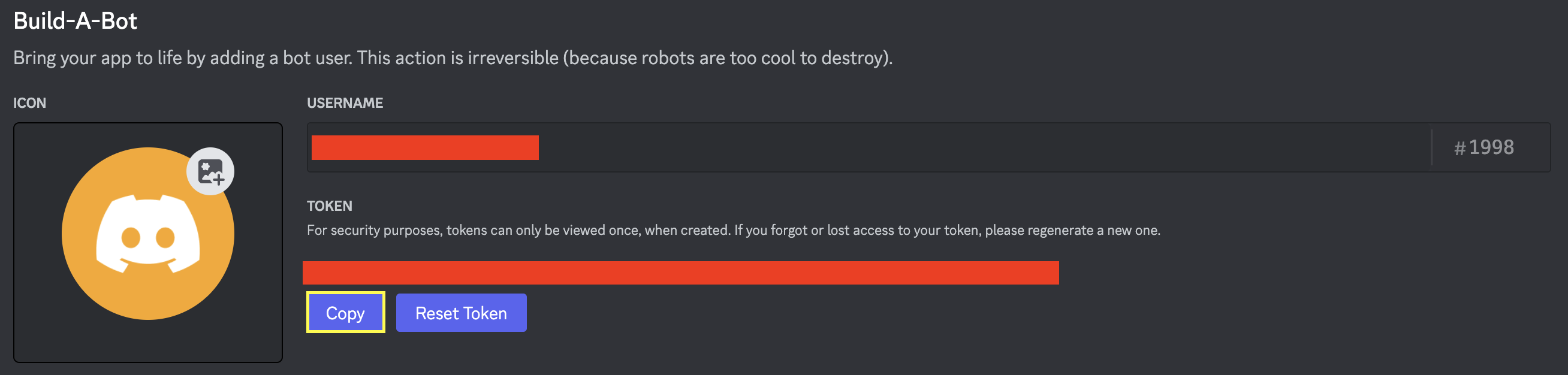
The DISCORD_TOKEN (used in the `.env file`) can be found under the Bot tab on the Discord Developer Portal for your application.
## Contributing
[Rust](https://www.rust-lang.org/) must be installed to run locally. See [serenity-rs/serenity](https://github.com/serenity-rs/serenity) for more information about Rust Discord API Library.
The following packages must be installed for [serenity-rs/songbird](https://github.com/serenity-rs/songbird). View the repository for additional installation and setup information on other operating systems.
Unix Installation
Notes:
- [yt-dlp](https://github.com/yt-dlp/yt-dlp/releases) is preferred over youtube-dl.
```
sudo apt install libopus-dev
sudo apt install ffmpeg
sudo apt apt install youtube-dl # See notes above
# PostgreSQL Headers
sudo apt install libpq5
sudo apt install libpq-dev
```
- Potentially requires [yt-dlp](https://github.com/yt-dlp/yt-dlp#installation) and [yt-dlp FFmpeg Static Auto-Builds](https://github.com/yt-dlp/FFmpeg-Builds).
Mac Installation
Notes:
- [Homebrew](https://brew.sh/) must be installed to run the following commands.
- [youtube-dl](https://formulae.brew.sh/formula/youtube-dl#default) is deprecated, [yt-dlp](https://formulae.brew.sh/formula/yt-dlp) is preferred
```
brew install opus
brew install ffmpeg
brew install yt-dlp # See notes above
brew install postgresql
```
### Running Locally
1. Build the [Docker](https://www.docker.com/) containers with `make build`
2. Start the utility containers with `make utils`
3. Start the application with `cargo run`
The application can also be tested from within a Docker container:
```
docker build -t siren:latest .
docker run --env-file .env -it --rm --name siren siren:latest
```
### Authentication
The Siren service uses a stateful JWT authentication system, which allows for the ability to revoke and expire tokens, as well as to allow for the ability to have multiple tokens per user. A public/private key is needed for the JWT. The keys can be generated with `./generate_keys.sh`. These keys should be located within a `/keys` directory in the root of the project. The `KEYS_DIR_PATH` within the service's .env file should be updated to reflect the location of the keys.